Finish your music.
A desktop app for Ableton producers who want to turn 200 unfinished projects into organised songs, shaped albums, and actual releases. No cloud. No subscription. Just your library, finally making sense.
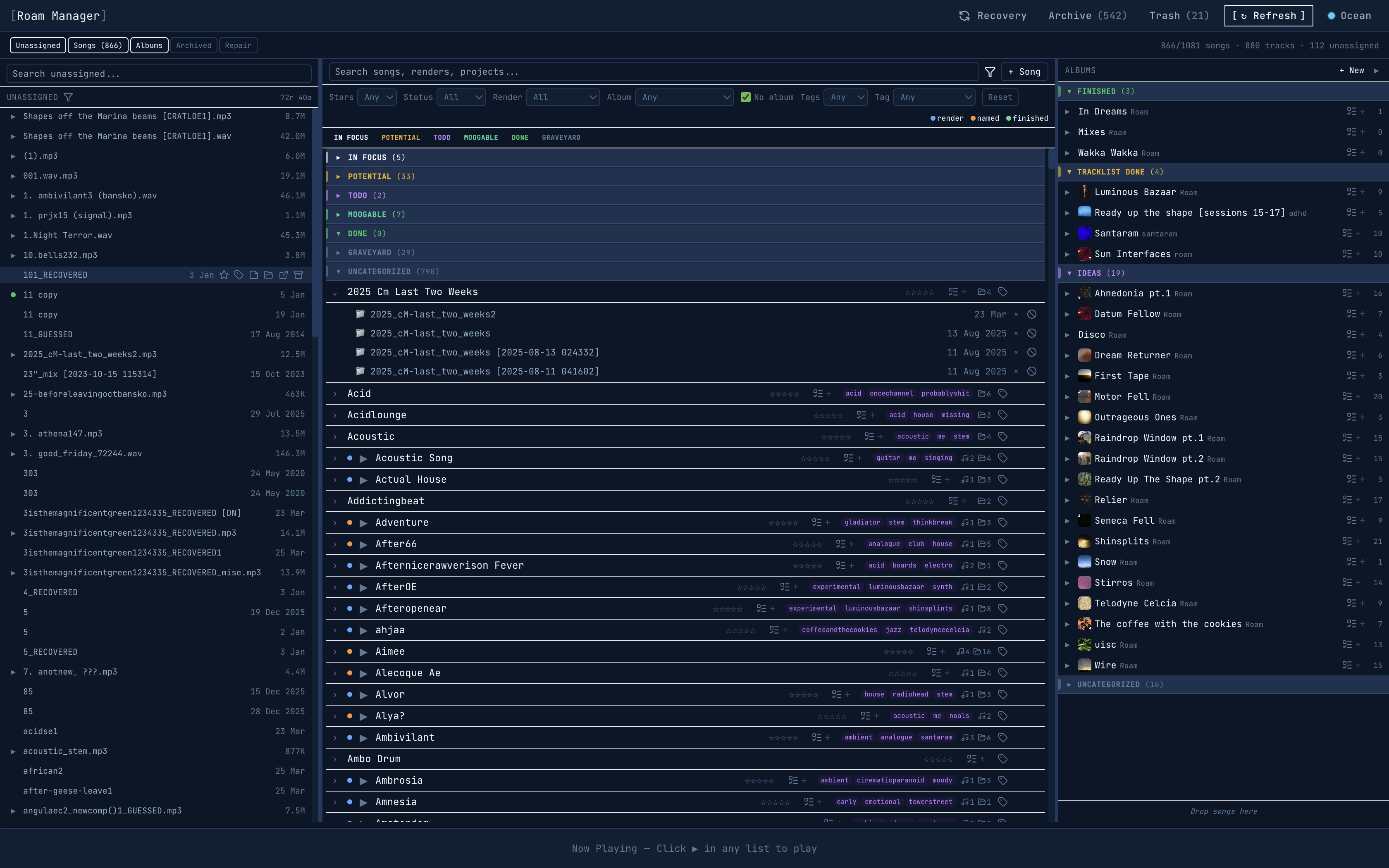
Your entire library in one view. Unassigned files on the left, organised songs in the centre, albums on the right.
You know the feeling.
- 200 project folders. No idea what’s in half of them.
- Renders scattered across three drives and a desktop folder called "final_final."
- Projects you haven’t opened in months because you forgot what state they were in.
- Missing samples — that track from last year won’t even open anymore.
- You sit down to make music but spend the first hour trying to find where you left off.
It's not a motivation problem. It's a structure problem.
Organise. Build. Recover.
Three workflows that take you from scattered files to finished releases.
Song Organizer — the cockpit
Three-pane view: unassigned files on the left, organised songs in the centre, albums on the right. Drag-and-drop between all panes.
- Status tracking (draft → in progress → done)
- Star ratings, custom tags, freeform notes
- Bulk operations: assign, tag, archive multiple items
- Built-in audio playback for every render
Album Builder
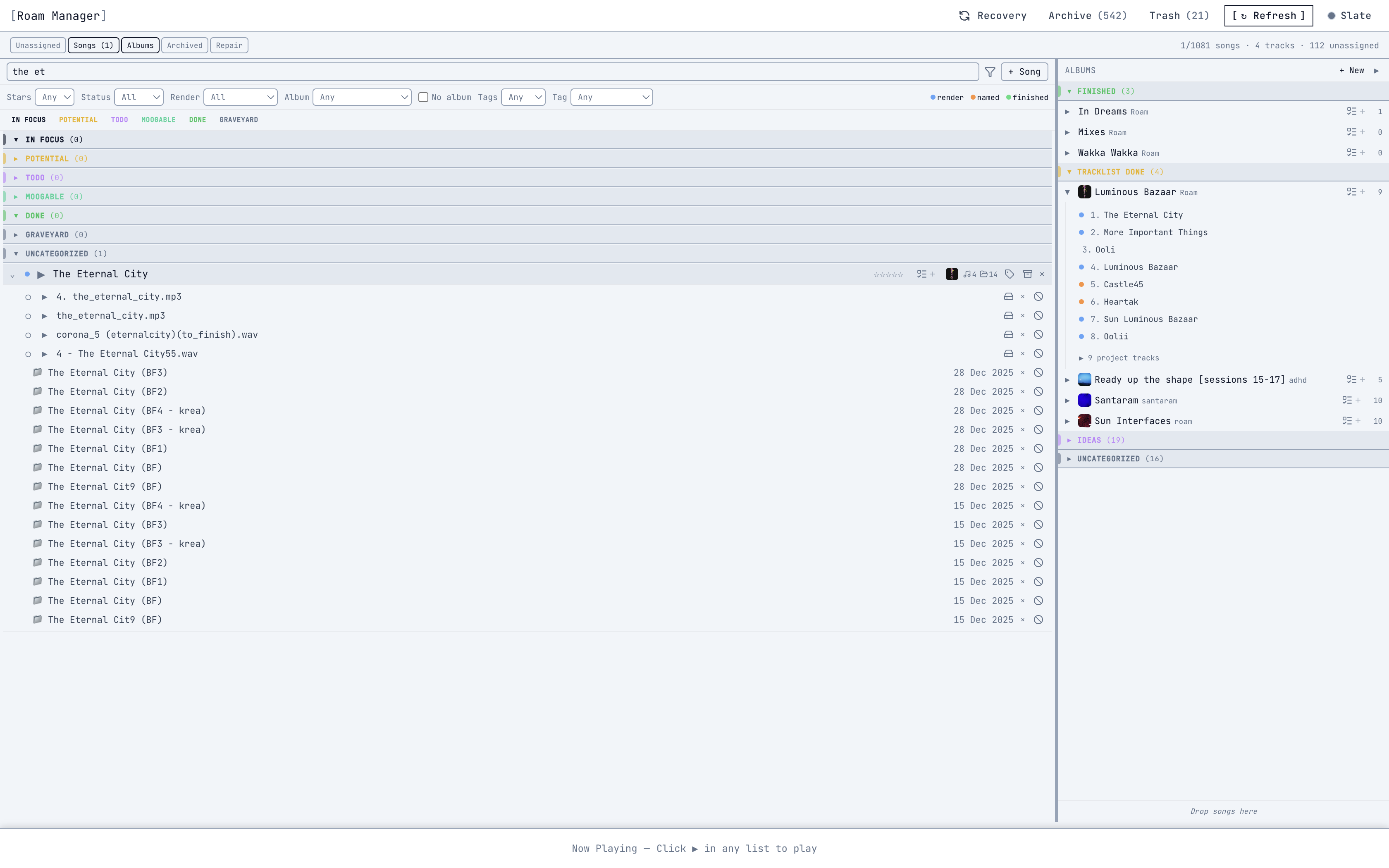
Create albums. Add songs as tracks. Reorder. Set status from Draft to Ready to Released. See total duration, track groups, and a “maybe” zone for undecided tracks.
- Album-level TODO rollup — everything remaining before release
- Track groups (Side A, Side B, etc.)
- Smart suggestions based on tags and ratings
- Per-track inline audio players
Sample Recovery
Index external drives. Find missing samples across every indexed location. Batch relink with SHA-256 verified backups. Projects you thought were lost come back to life.
- Works even when drives are disconnected
- Confidence levels: high (size match) vs low (filename only)
- Transaction logging + full rollback capability
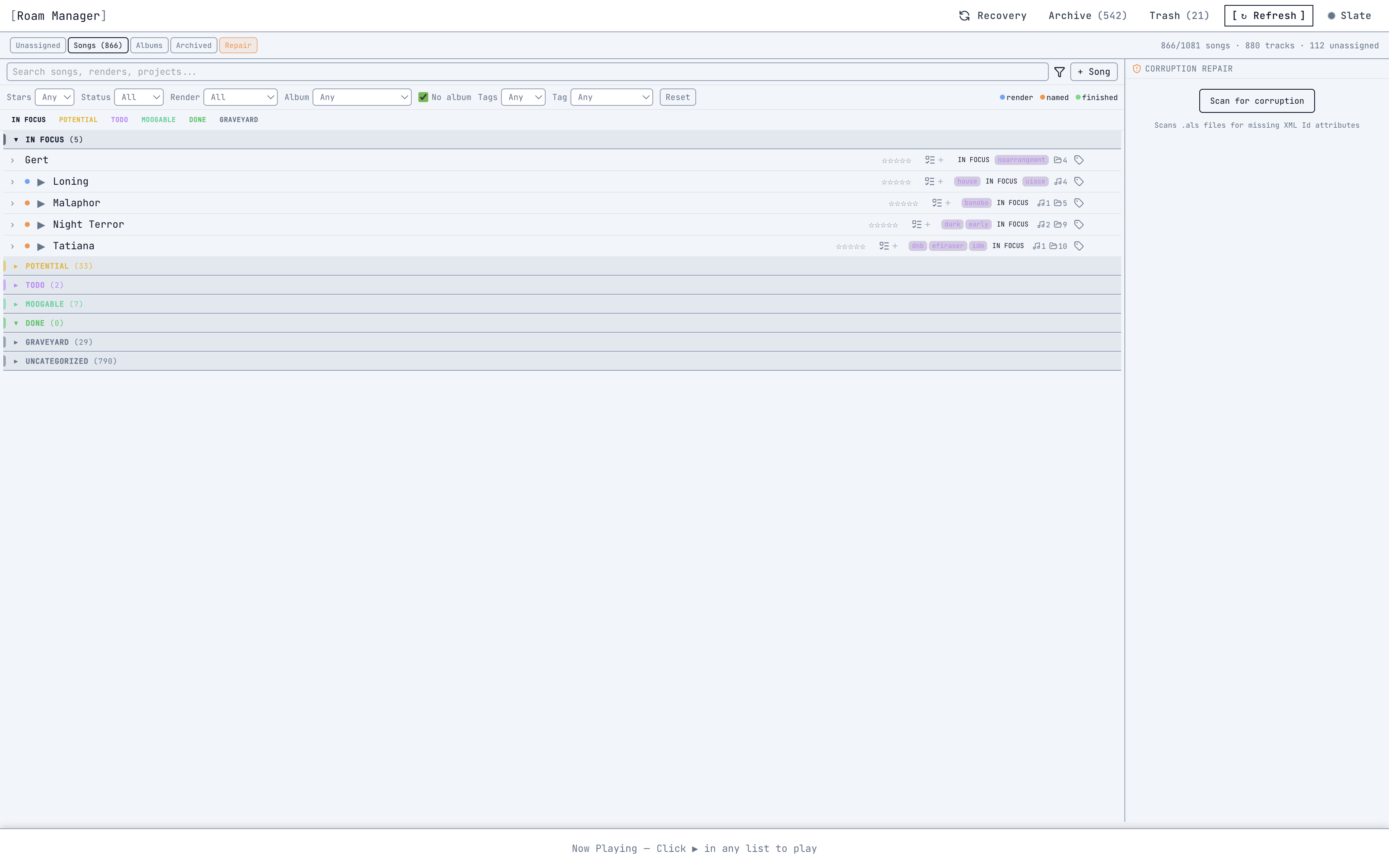
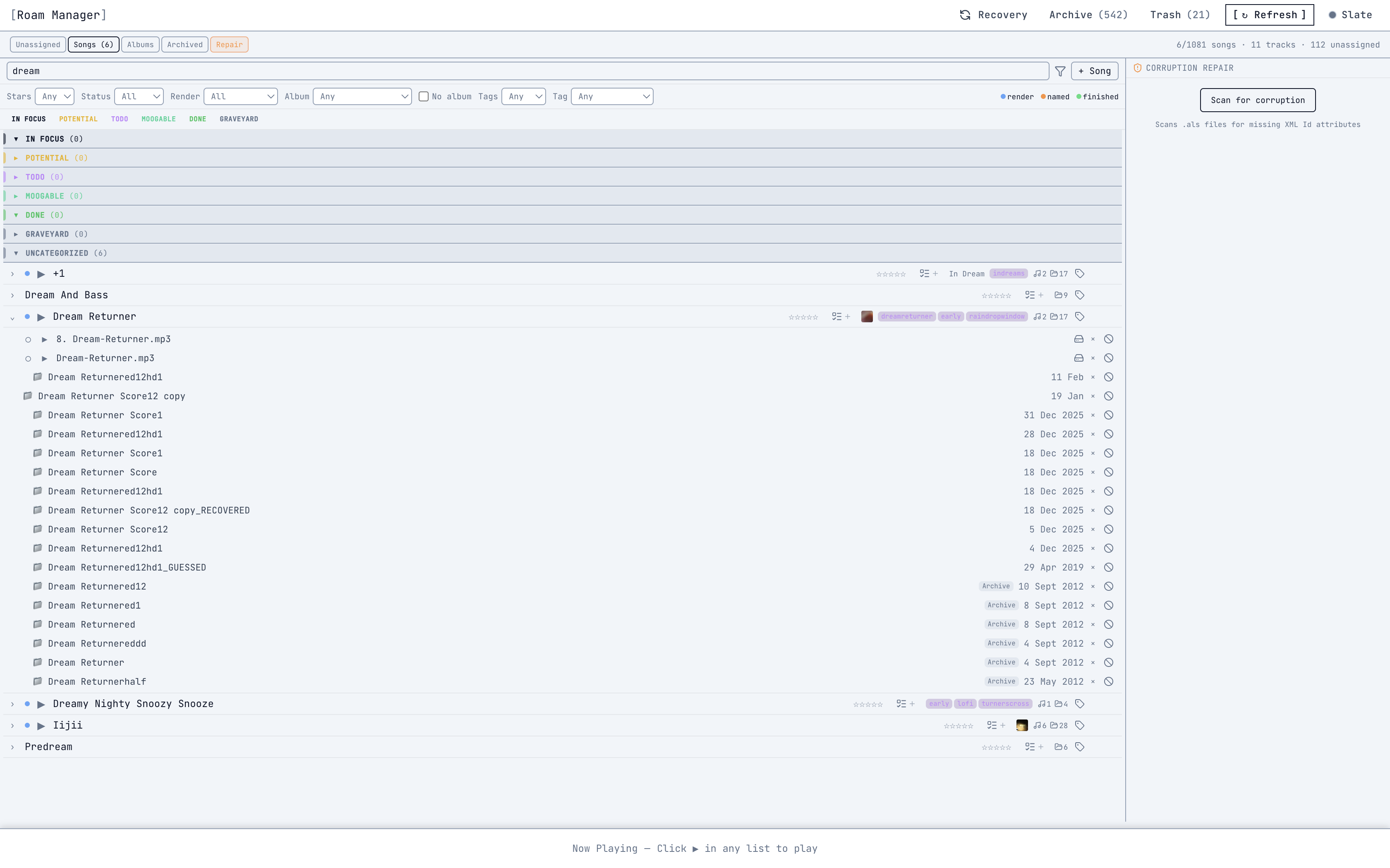
- Live 10 → Live 12 corruption detection and repair
Know exactly what's left on every track.
45 items across 15 categories: Sound Design, Arrangement, Mixing, Mastering Prep, and more. Per-project completion tracking with progress bars. A readiness score combining star rating, checklist completion, and status.
No more guessing if a track is “done enough.” The checklist tells you.
Screenshot coming soon
From chaos to clarity.
Scan
Point Roam at any folder. It finds every .als file and render recursively. Nothing moves. Nothing changes.
Organise
Drag related projects and renders into Songs. One song = multiple .als files + bounces + notes, held together.
Track progress
Status, ratings, tags, production checklists. Come back and refine as your sense of each project evolves.
Build albums
Pull songs into collections. See what's close to done. Shape a release from the work you've already made.
Built for the way your brain actually works.
Built by a producer with ADHD, for producers with ADHD. Your creative process isn't linear — so your organisation tool shouldn't demand that it is.
Start anywhere.
No setup wizard. No mandatory tagging. Just scan and start grouping when you're ready.
Low-friction decisions.
Quick tags and drag-to-group instead of elaborate folder hierarchies.
Visible progress.
See what's taking shape and what needs attention — without opening every project to remember where you left off.
No judgement.
300 unfinished projects isn't a failure. It's raw material. Roam helps you see what's in there.
Your music stays on your machine.
No accounts. No cloud. No subscriptions.
All data in local SQLite — your library index lives next to your projects.
No internet required. Works offline. Works forever.
No tracking. No analytics in the app. Just your music.
Buy once, own it. No subscription to keep your data accessible.
FAQ
Does it move or rename my files?
No. Roam reads your library and builds its own index. Your files stay exactly where they are.
Does it only work with Ableton?
For now, yes. Roam is built around .als project files. Support for other DAWs is on the roadmap.
Do I need to reorganise everything first?
The opposite. Roam is designed for messy, sprawling libraries. You don't need to prepare anything.
Will it damage my .als files?
No. Roam is read-only by default. The only exception is sample relinking, which creates SHA-256 verified backups before modifying anything, with full rollback capability.
Is my data sent anywhere?
No. Everything stays local. No cloud, no telemetry, no network requirements.
Does it work with Live 10?
Yes. Roam reads .als files from any version of Ableton Live, including Live 10 to 12 compatibility handling.
What about Windows?
macOS only at launch. Windows is on the roadmap.
What stage is the app at?
Core features are complete. We're refining the experience with a small group before wider release.
You have 200 projects and no albums.
That changes today.
Join the waitlist and be first to turn your unfinished projects into finished songs.
Request early access